


Fundraise
A portion of every Hospital Hill Run race entry, along with 100% of funds raised through the Hospital Hill Run fundraiser, will go directly to the ‘I Love Children’s Mercy Fund.’ The fund provides advanced medical treatments, compassionate care, and fuels world-class research.
We’re excited to provide individual team and fundraising options for all runners. Runners can fundraise to earn prizes and create and join teams while participating in our Half Marathon, 10k or 5k.

About Children’s Mercy
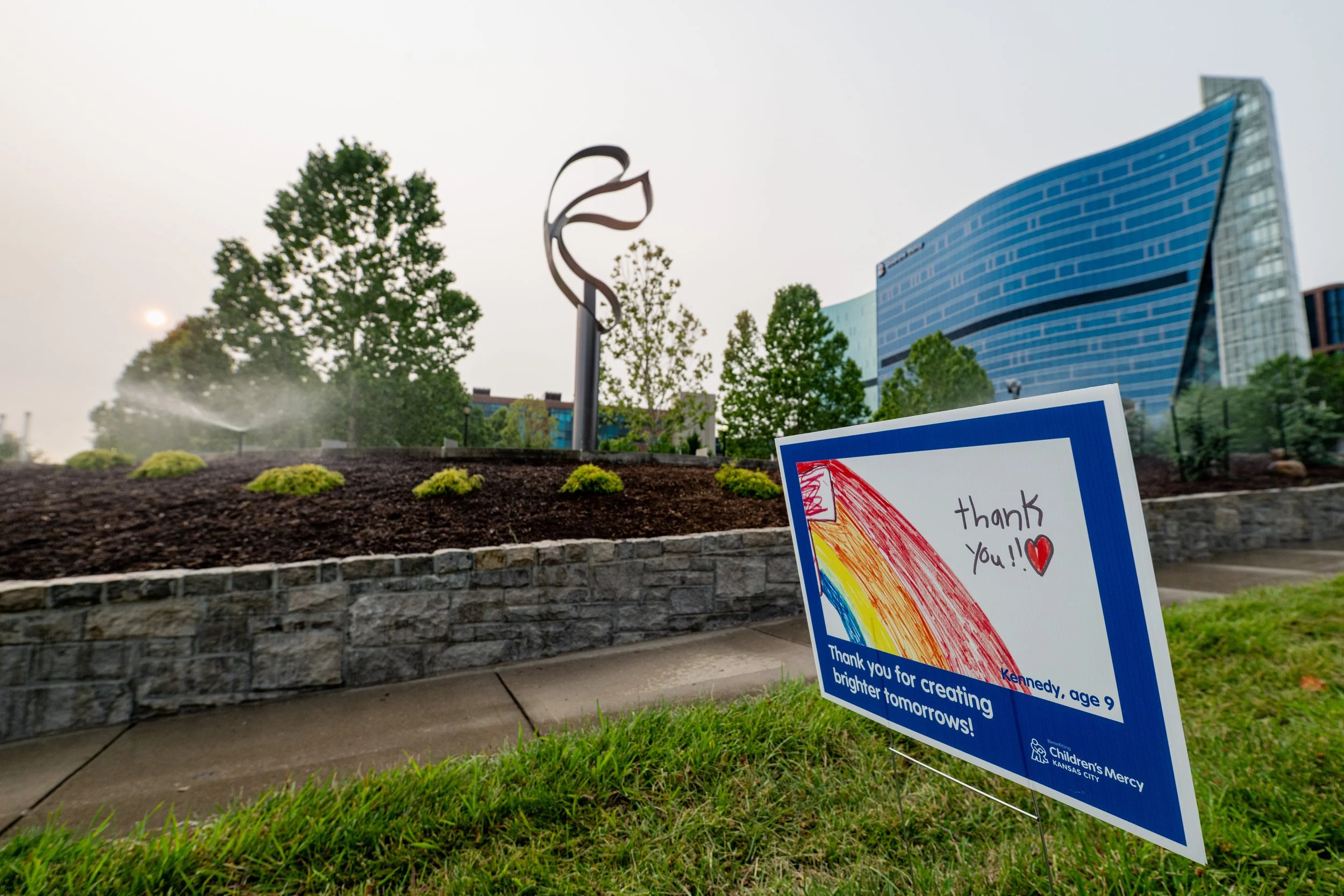
Founded in 1897, Children’s Mercy is a leading independent children’s health organization dedicated to holistic care, translational research, educating caregivers and breakthrough innovation to create a world of well-being for all children. With not-for-profit hospitals in Missouri and Kansas, and numerous specialty clinics in both states, Children’s Mercy provides the highest level of care for children from birth through the age of 21.
How to Start
SIGNUP
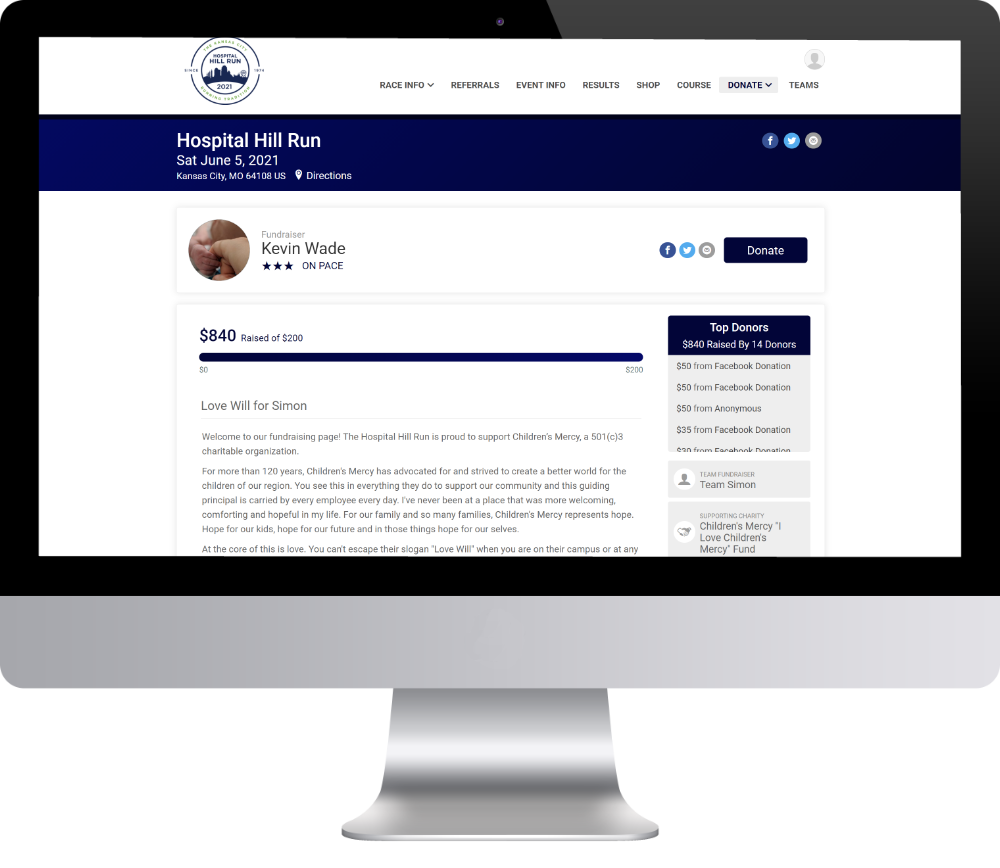
Sign up for the race and select “Become a Fundraiser” to set up a new fundraising campaign.
CUSTOMIZE FUNDRAISING PAGE
Customize your fundraising page and leverage your free fundraising tools provided within your account upon sign up.
PROMOTE YOUR PAGE
Promote your custom fundraising page to friends, family, and co-workers!
CHILDREN’S MERCY STORIES

Read these inspiring stories.
Your support helps kids in need.
FUNDRAISING FAQ
Who can participate in the Fundraiser?
All race participants have an opportunity to fundraise. You can choose to join a fundraising team OR you can fundraise individually.
Does the money raised go directly to the charity?
Yes, all funds raised through the Hospital Hill Run fundraiser will go directly to the ‘I Love Children’s Mercy Fund.‘
How do I start fundraising?
During the registration process, complete the below steps:
Select “Become a Fundraiser” to to set up a new fundraiser.
Enter your fundraising page information.
Select whether you’re a part of a team, or if your fundraising alone.
Complete your registration.
Once you complete your registration, you’ll receive an email with a link to your custom fundraising page.
You can log in to your RunSignUp account here to customize your fundraising page, add a fundraising goal, and more.
*If you have already registered and want to start fundraising, you will need to log in to your RunSignUp account and edit your registration. From there, you will be able to select “become a fundraiser.”